

How it works
Three steps to the summit
Linking takes about a minute, and you only do it once per headset.
- 01
Open PEAK VR
Your headset shows an eight-letter code and a QR code you can scan with your phone.
- 02
Sign in through Steam
We check your library for PEAK. You sign in on Steam's own page, so your password never touches this site.
- 03
Start climbing
Your headset unlocks within seconds, then renews by itself whenever it's online.
The mountain
From the shore to the caldera
Every biome of PEAK, now at arm's length. Screenshots show the original game on PC.
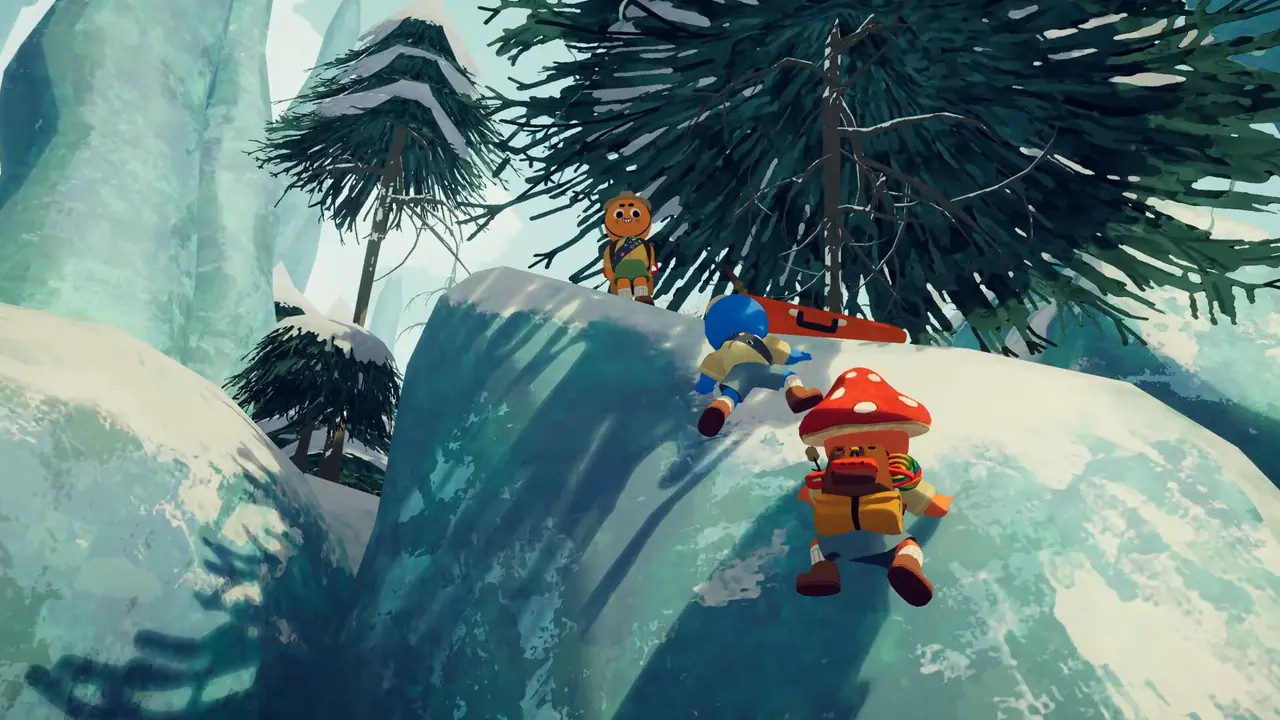



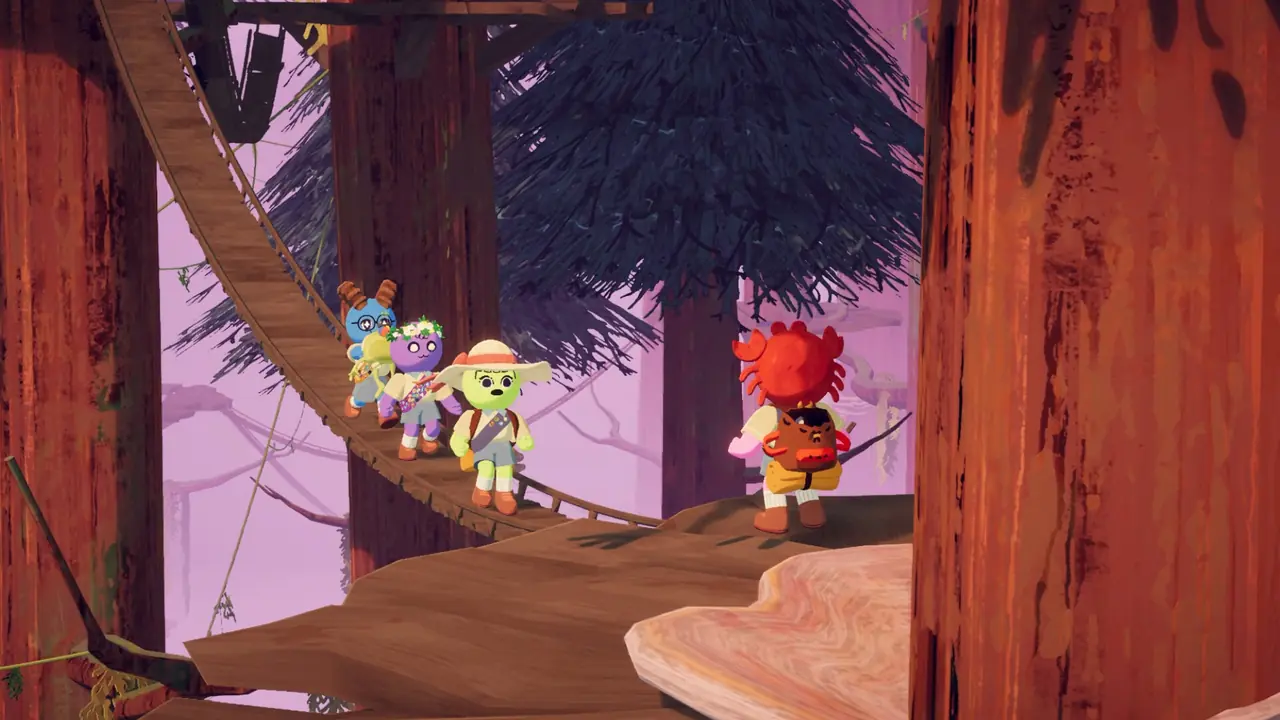
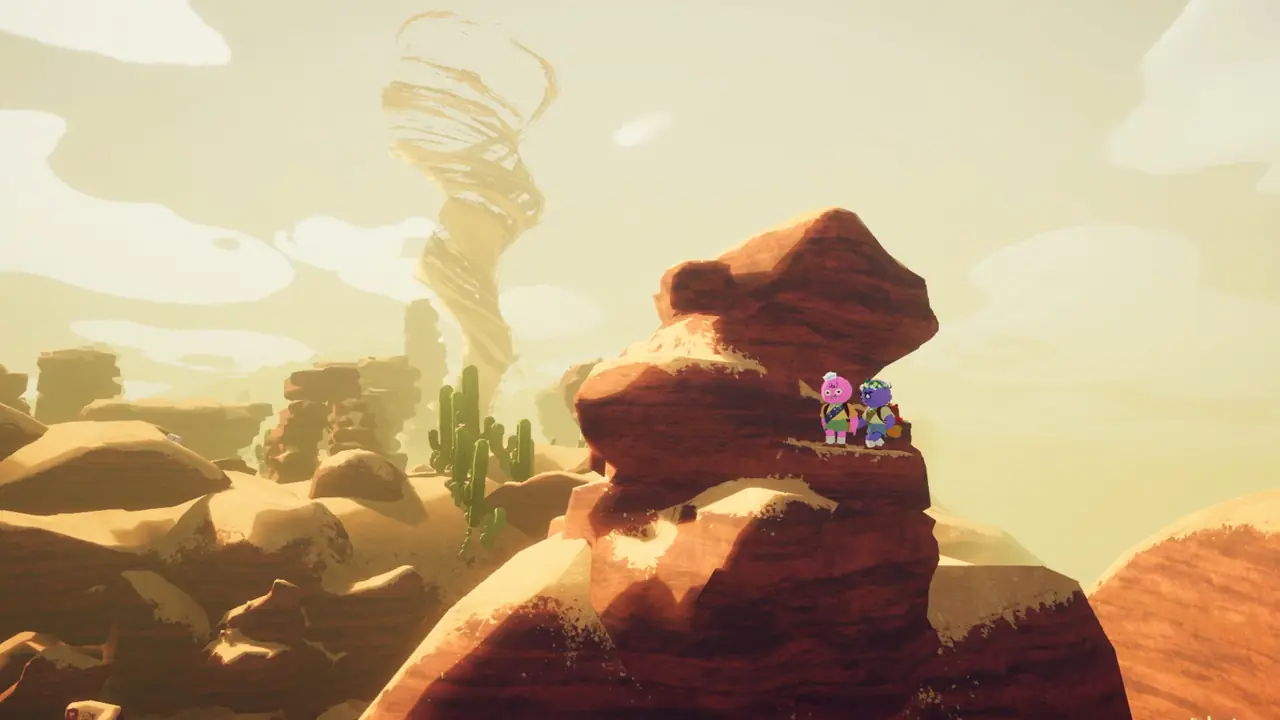
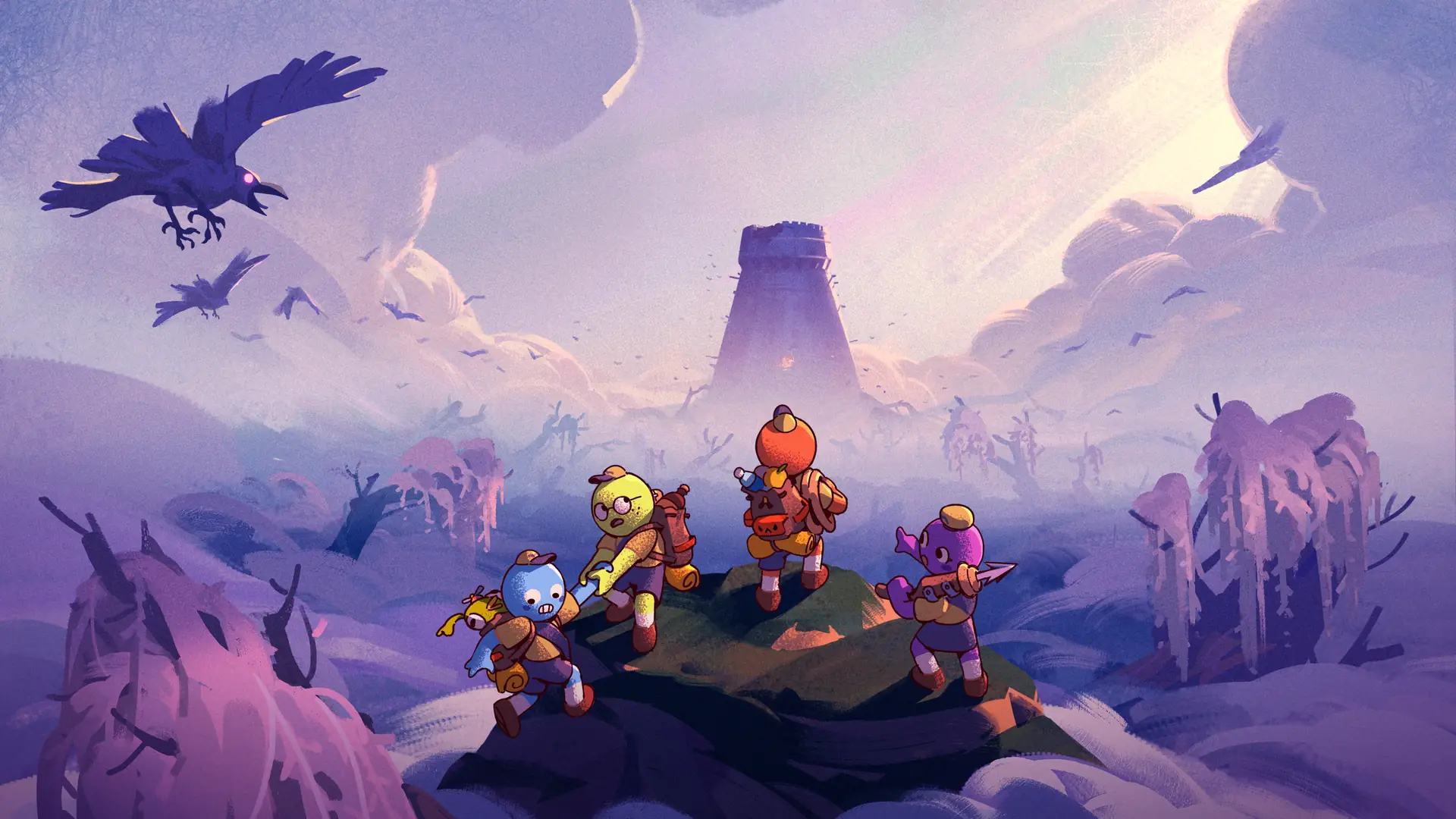
Your own two hands, a few friends on the rope and a copy of PEAK on Steam.
Before you climb
Every climb starts with your Steam library
Your headset needs a one-time link to a Steam account that owns PEAK. That's the whole check.
RequiresPEAK on SteamBought on your own account. Family Sharing copies don't count.
Sign-inThrough Steam, never hereWe only see your Steam ID and whether your library has PEAK.
HeadsetsUp to 2 per accountUnlink an old headset any time while linking a new one.
Offline14 days between check-insGo online once in a while and your headset renews by itself.